Settings redesign · Account + Org
Light mode, design tokens, captured from the running app
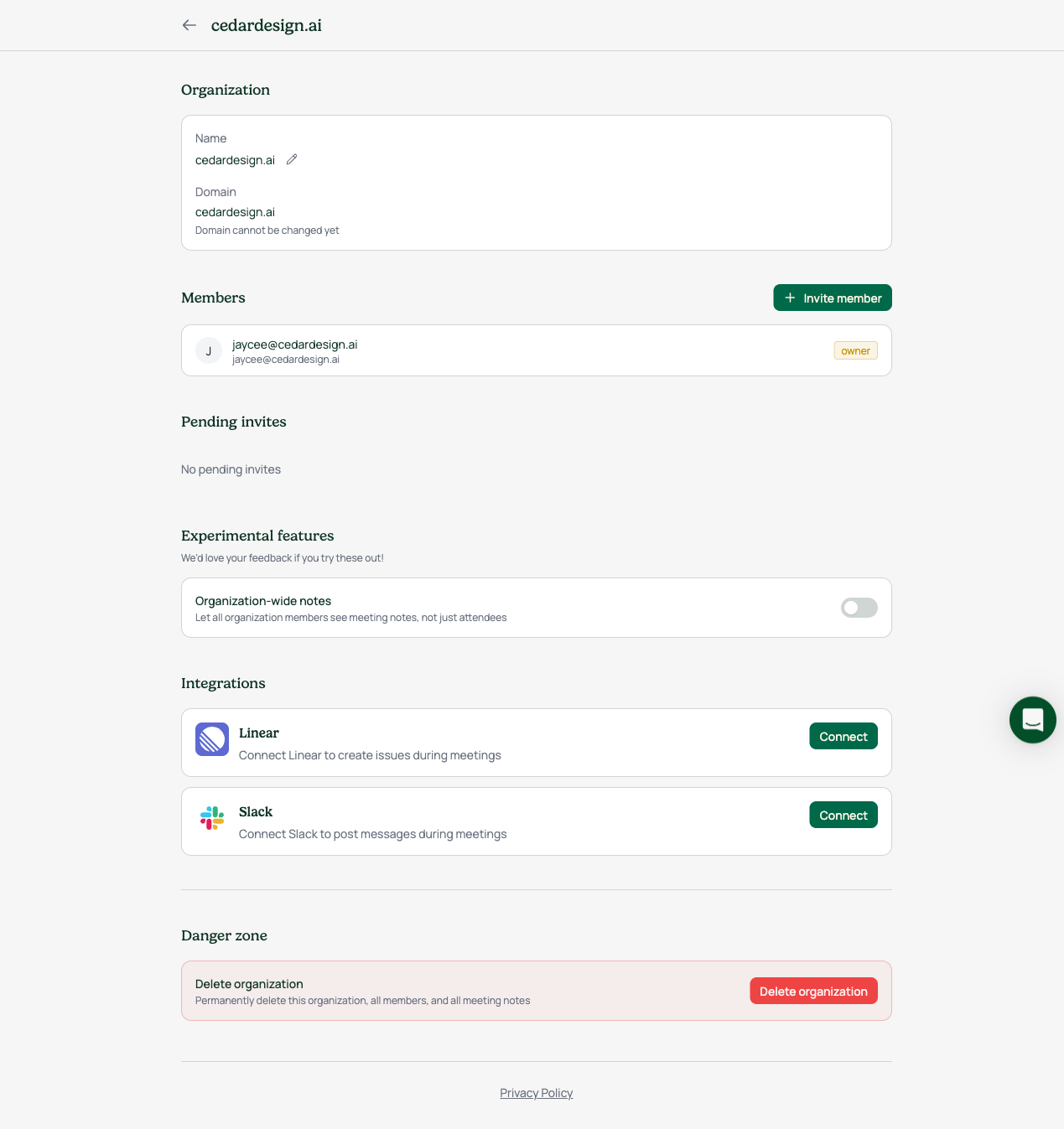
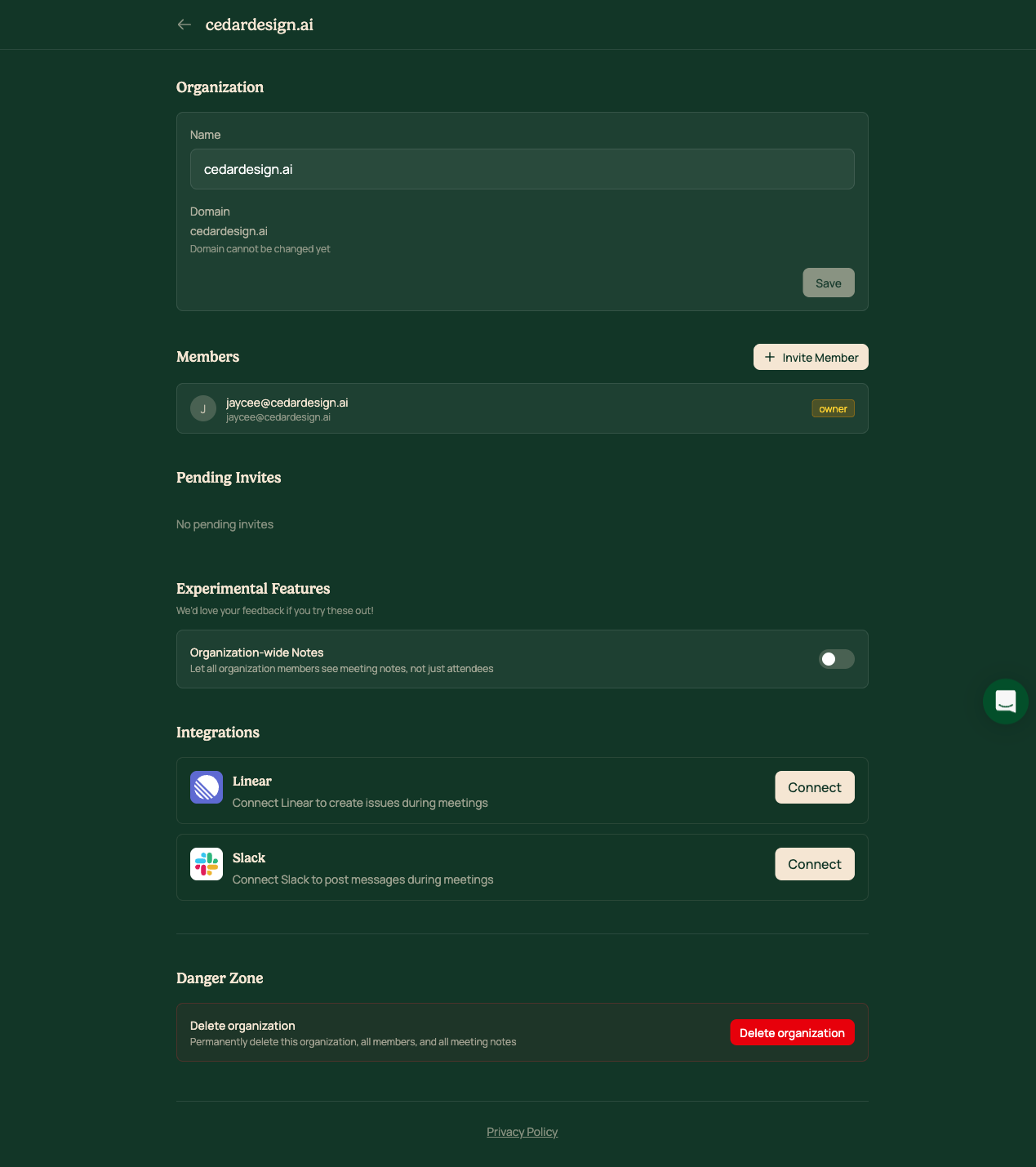
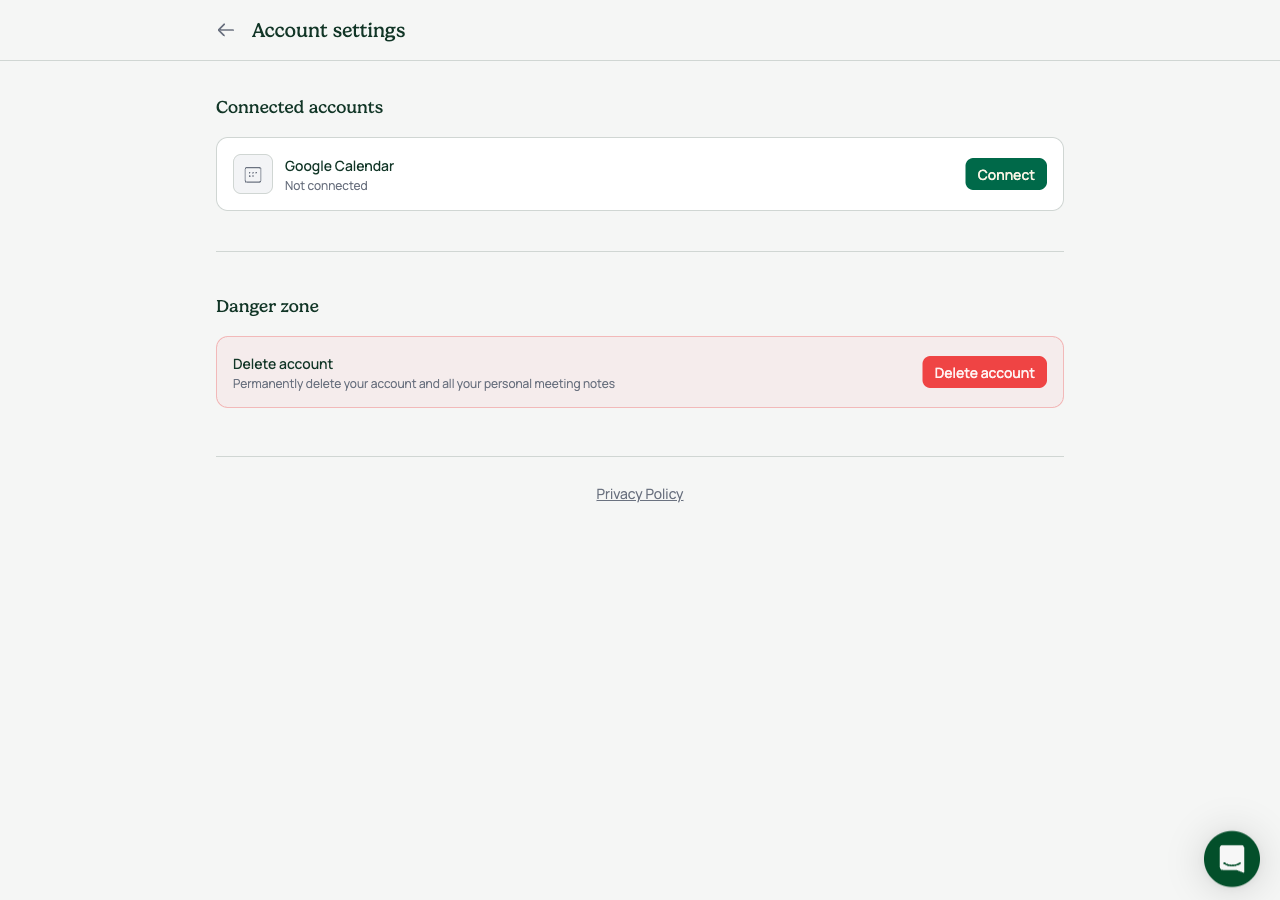
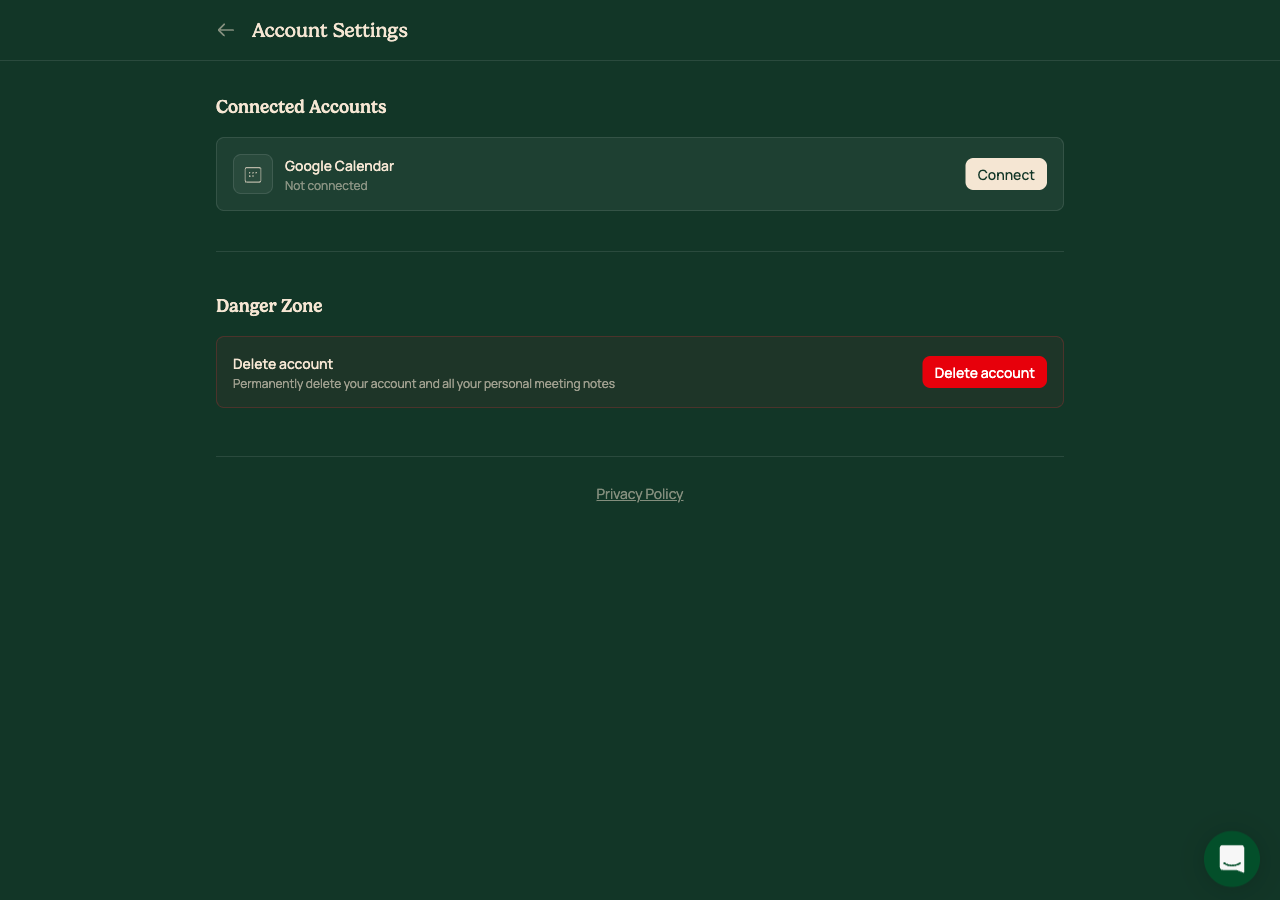
The Account and Organization settings pages were the last screens still in the old dark theme: low-contrast text, Title Case labels that did not match the rest of the product, an org name field that was always an open form, an invisible toggle, and buttons of inconsistent sizes.
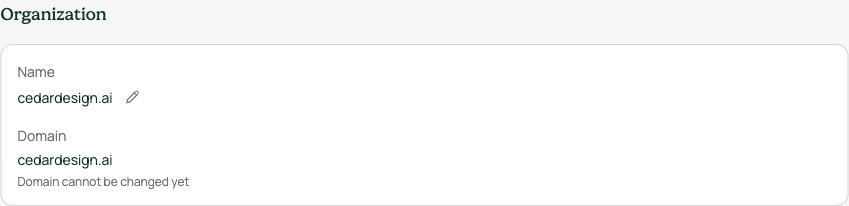
This redesign moves both pages onto the light app surface using only our design system tokens, the same look as the dashboard and getting-started. Labels are sentence case to match the rest of the product. The org name is now a read-only value with a small edit button. The toggle has a visible off state and turns brand green when on. Every button on the page is the same size.
These are visual and copy changes only. No functionality was removed, apart from collapsing the always-open org name form into an edit affordance.
Walkthroughs
States